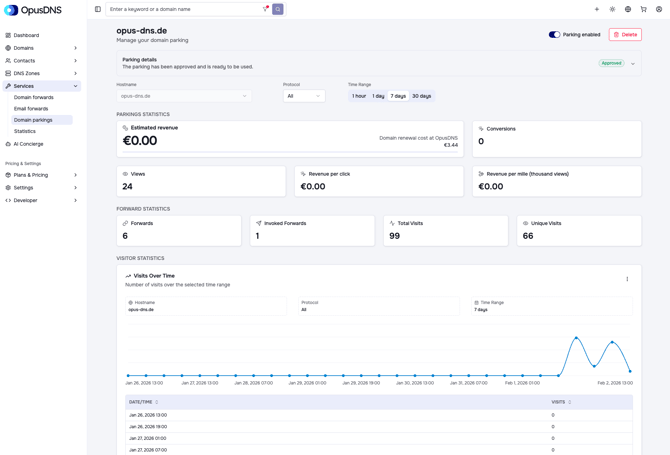
After setting up domain parking, you can view detailed statistics for each parked domain under Services > Domain Parking. This section provides insights into your earnings, forwarding activity, and visitor data for each individual domain.
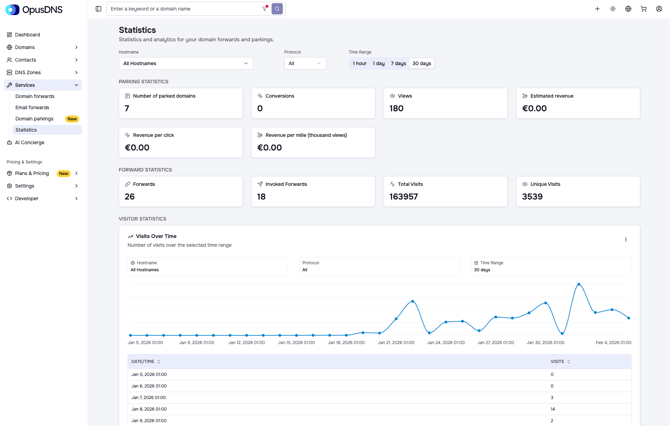
If you’re looking for an overview across all parked domains, you can navigate to Services > Statistics. There you’ll find aggregated statistics, including both domain forwarding and parking data.
At the top of the statistics view, you can choose “All Hostnames” to see combined statistics for all domains, or select a specific domain to view individual performance metrics. You can switch between protocols (HTTP, HTTPS) and select the time range for which you want to view the statistics.