
The default transfer lock decides whether new domains are protected against transfers to another registrar right after registration.
- Go to Settings > Preferences > Domains.
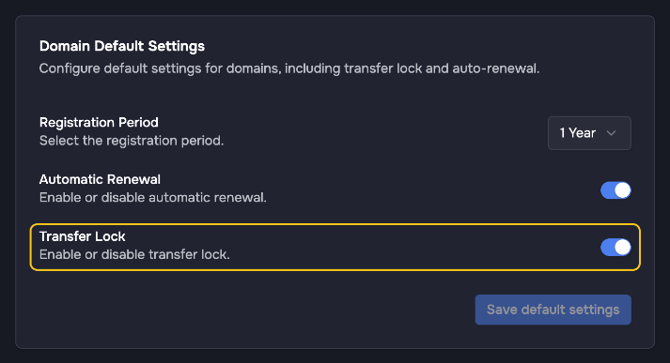
- In the card Domain Default Settings, turn Transfer Lock on or off.
- Click Save default settings.
Not every TLD supports a transfer lock. For these domains the setting has no effect, and the domain shows Unsupported under Domain Settings > Transfer Lock. How to lock or unlock a single domain is explained in Transfer Lock: Enabling and Disabling. All default settings are explained in Configuring Default Domain Settings for New Registrations.