By clicking the user icon in the top bar of your dashboard, you can access user-related settings such as account details, billing, security, cookie settings, or simply log out. Additional features will likely be added to this menu in the future.
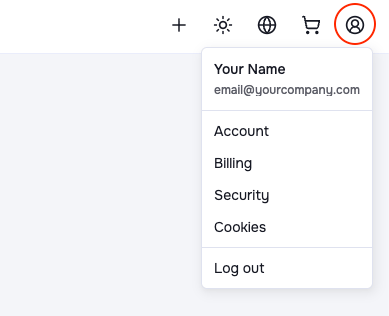

By clicking the user icon in the top bar of your dashboard, you can access user-related settings such as account details, billing, security, cookie settings, or simply log out. Additional features will likely be added to this menu in the future.