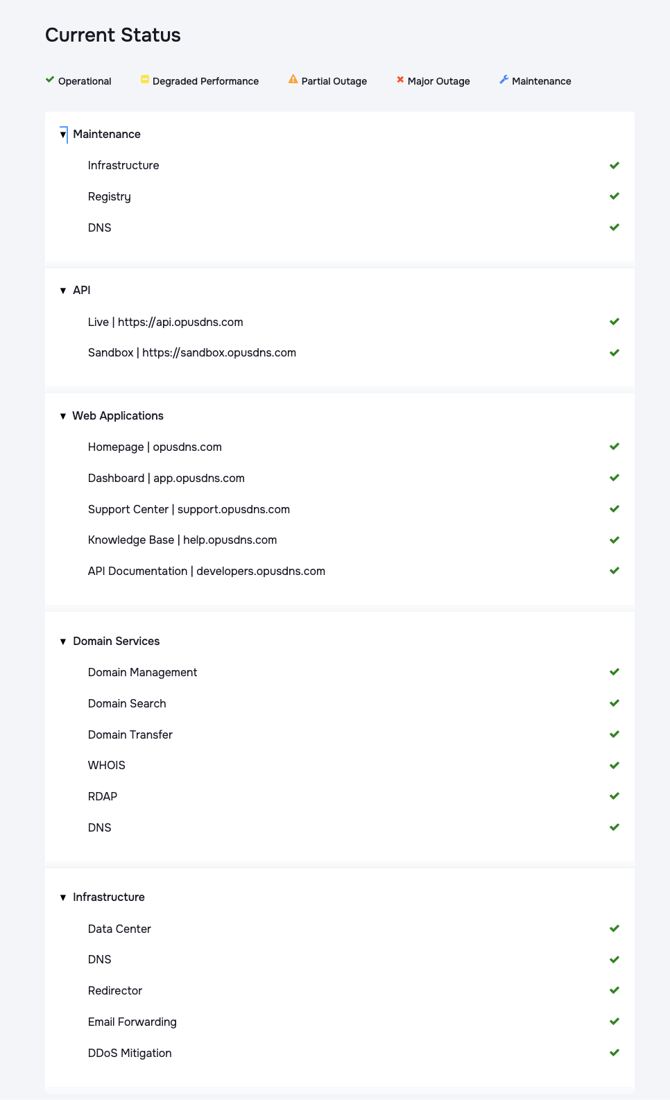
You can see the current status of the OpusDNS systems at the bottom of the left sidebar. A colored indicator and a short text show the current state, for example All systems operational, a service disruption or scheduled maintenance. When the sidebar is collapsed, only the colored dot is shown.
Click the status to open our status page at status.opusdns.com with details for each system. There you can also subscribe to status updates. You can add the Platform status widget to your Dashboard home page as well.
If something does not work as expected, check the system status first. If the problem persists, create a ticket in the support center (Support in the sidebar) or email us at support@opusdns.com.
System status in your dashboard:
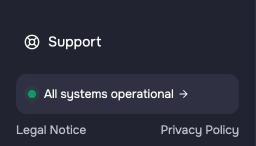
Detailed system status at status.opusdns.com: