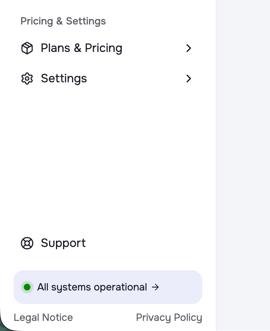
You can find the current system status of the OpusDNS systems at the bottom of your left menu panel. A color indicator shows whether all systems are fully operational (green), experiencing a partial outage (orange), or affected by major outages (red).
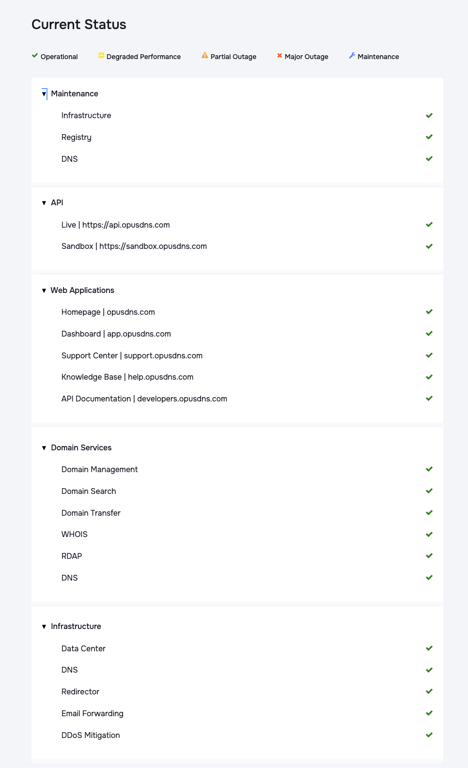
For a detailed overview, you can click on the status tab. This will take you to our Status Center at status.opusdns.com.
If something is not working as expected, please check the system status first. If the issue persists, submit a ticket in your support center or contact us via email at support@opusnds.com.
System status in your Dashboard:
Detailed system status at status.opusdns.com: