Logging In and Out
Logging in
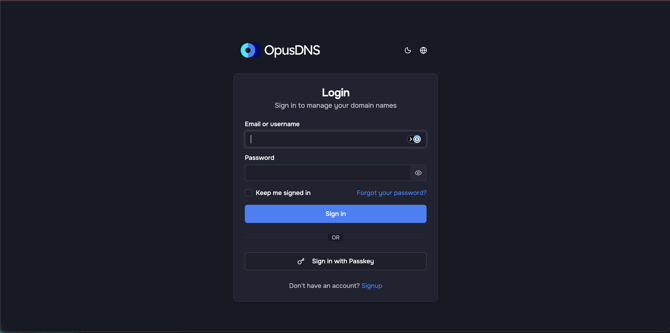
Open the OpusDNS Dashboard at app.opusdns.com. You are taken to the OpusDNS sign-in page.
Supported sign-in methods:
- Email or username and password: enter your credentials and click Sign in. Tick Keep me signed in to stay signed in on this device.
- Two-factor authentication (TOTP): if you enabled it, enter the code from your authenticator app after your password.
- Passkey: click Sign in with Passkey to sign in without a password, using a registered passkey (for example fingerprint, face recognition or a hardware key).
Forgot your password? Click Forgot your password? on the sign-in page to reset it. No account yet? Click Signup.
Logging out
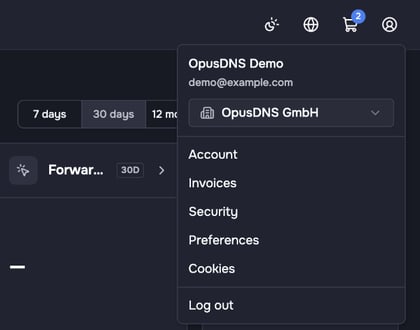
- Click the user icon in the top-right corner of the top bar.
- Click Log out.
- You are signed out and taken back to the sign-in page.
Session duration
If your session expires, you are taken to the sign-in page automatically. You can review and end active sessions under Settings > Security.