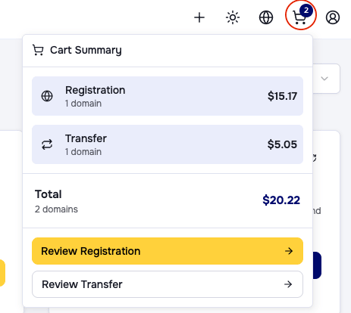
To continue your domain registration or transfer you can click the cart icon in the upper right menu. There you can see your open registrations or transfers, each in a separate process. By clicking Review Registration or Review Transfer you move to the checkout. You can also click Checkout while you are in the domain registration or transfer dialog in your dashboard.
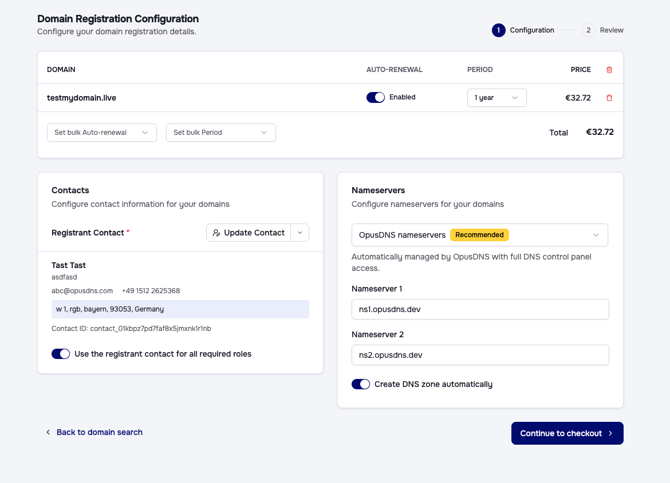
From here you can view your open processes, review your domains, remove domains if needed, set bulk period changes for the domain runtime, or set bulk auto renewal. After adding your registrant contact and other roles and choosing your custom or OpusDNS nameservers you can complete your checkout.