You can sort the tables for Domains, Contacts, DNS Zones or Forwards by clicking the arrow icon next to a column name. Click again to switch between ascending and descending order. The arrow shows which column the table is currently sorted by.
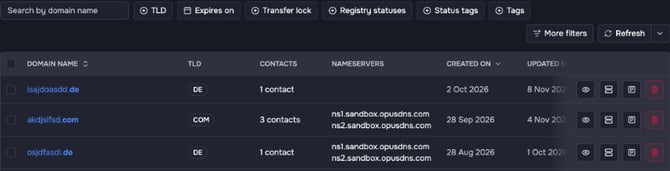

You can sort the tables for Domains, Contacts, DNS Zones or Forwards by clicking the arrow icon next to a column name. Click again to switch between ascending and descending order. The arrow shows which column the table is currently sorted by.