
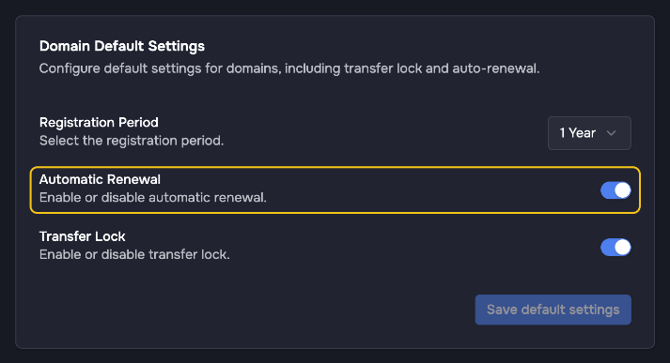
The default renewal mode decides whether new domains renew automatically. You can change it per domain in checkout and later on the domain itself.
- Go to Settings > Preferences > Domains.
- In the card Domain Default Settings, turn Automatic Renewal on or off.
- Click Save default settings.
The setting applies to new domains only. To change the renewal mode of existing domains, see Renewing a Domain and Renewal Modes. All default settings are explained in Configuring Default Domain Settings for New Registrations.